
Cyproxy Academy · 8 videos · 24 min
Learn Cyproxy in short videos.
Start with setup: connect your AI, add your first integration, then skills and collections. Then watch real investigations from start to finish.
01
Getting started
Connect your AI to Cyproxy, add your first integration, then save skills and collections. About ten minutes in all. 3 videos · 10 min
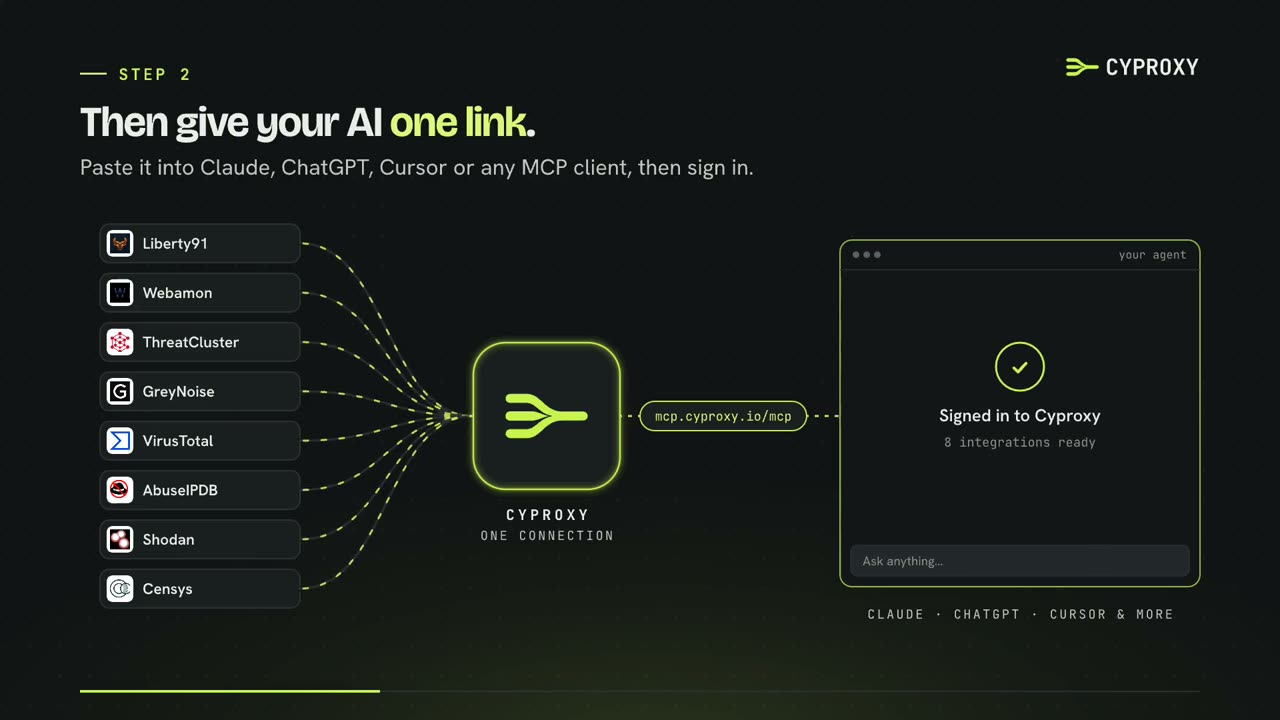
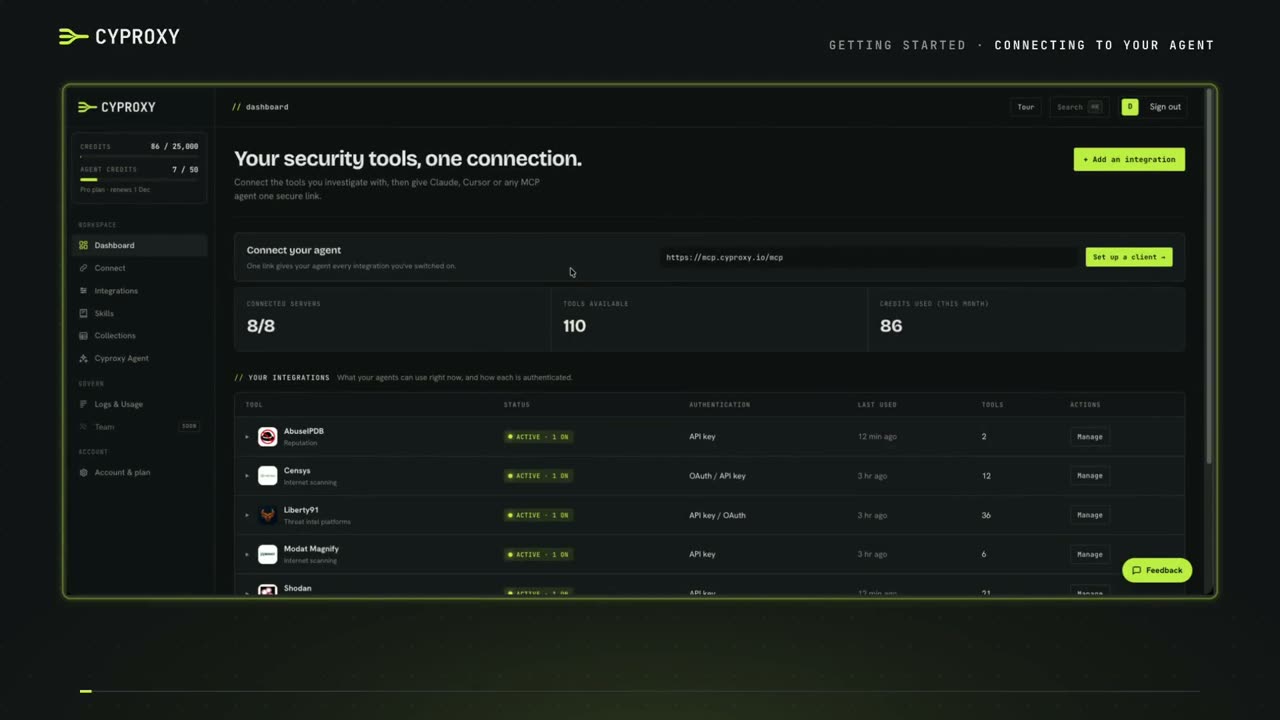 2:4101Connecting Cyproxy to your agentCopy one setup prompt from the console, paste it into your agent and sign in. Your agent can then use every integration you've switched on.
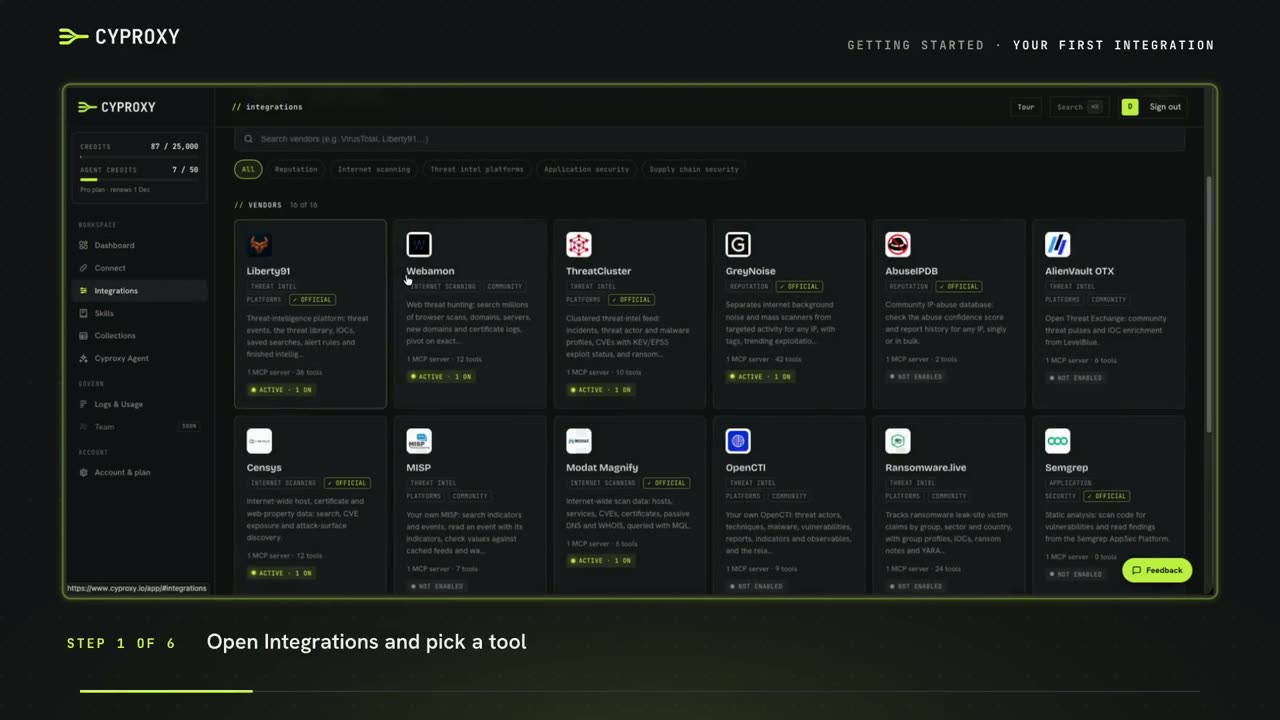 2:3402Adding your first integrationAdd a security tool with its API key, switch it on, and watch your agent pick it up straight away.
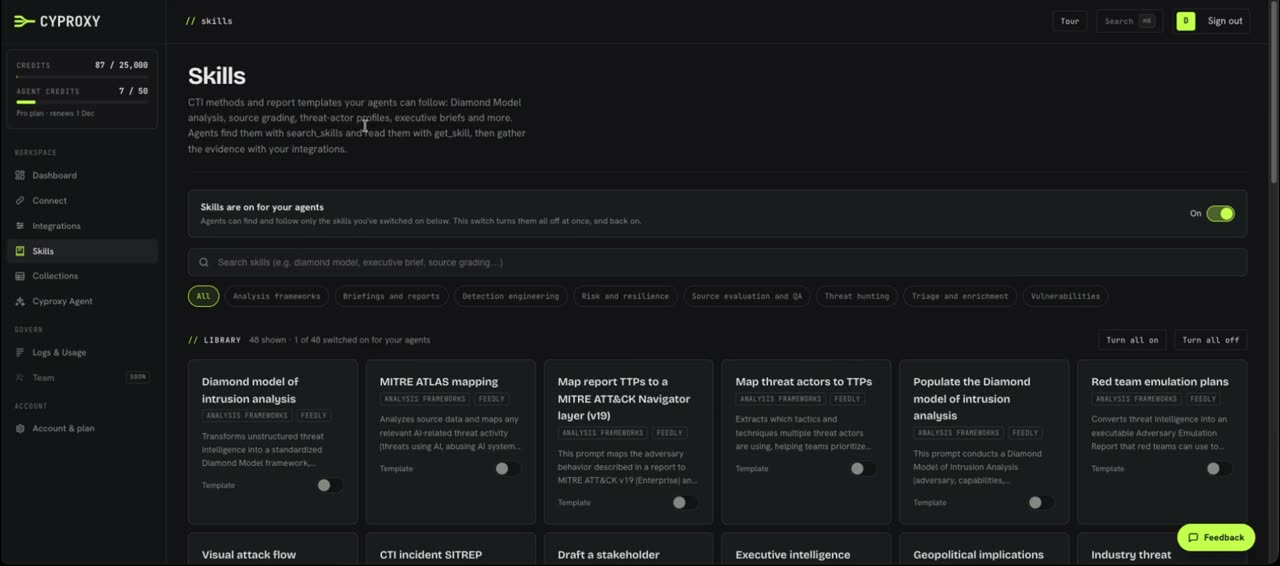 4:5503Skills and collectionsSkills give your agent a method to follow. Collections are tables it saves to, which any of your agents can read later.
02
Use cases
Real investigations from start to finish. 3 videos · 10 min
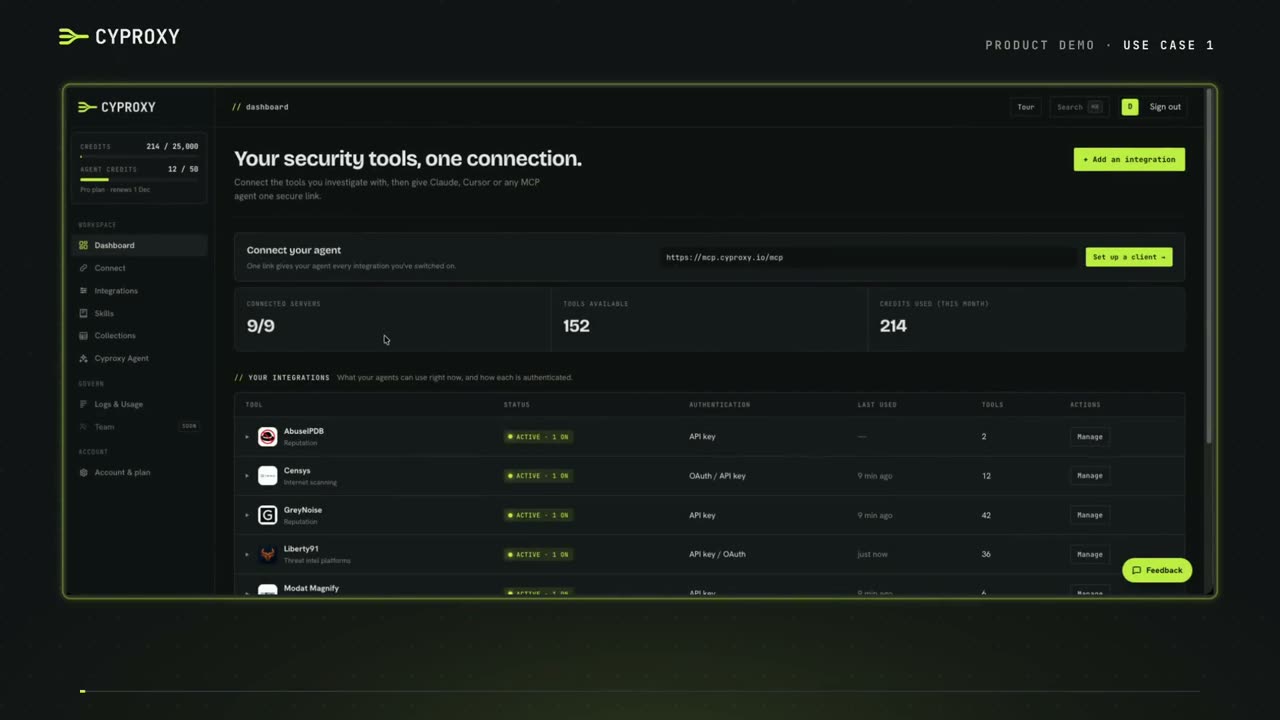 5:3801From a CVE to exposed servers, step by stepAn analyst's pivot: CVEs from Liberty91, the IPs exploiting them from GreyNoise, then Shodan, Modat and Censys for open directories. It ends in a report written with a skill.
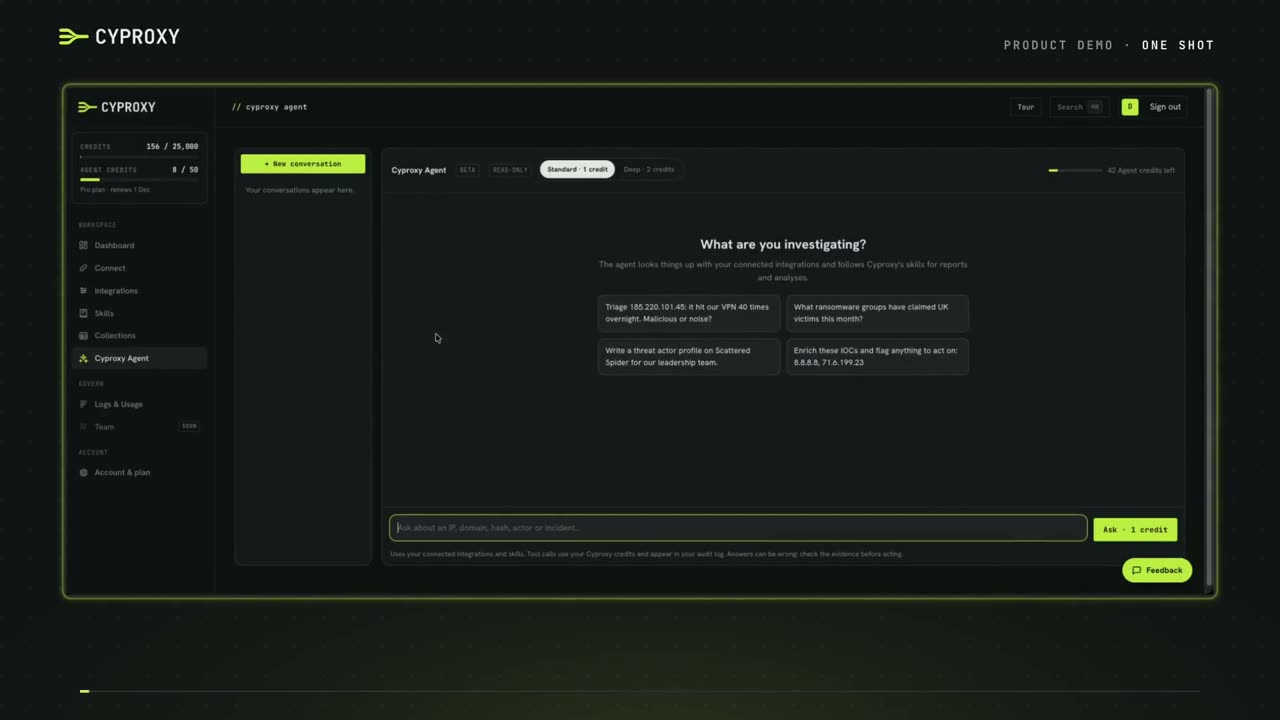 3:1802A whole investigation from one promptOne prompt that pulls CVEs, ranks the IPs exploiting them, checks those IPs with internet scanners and saves everything to collections, all in the Cyproxy agent.
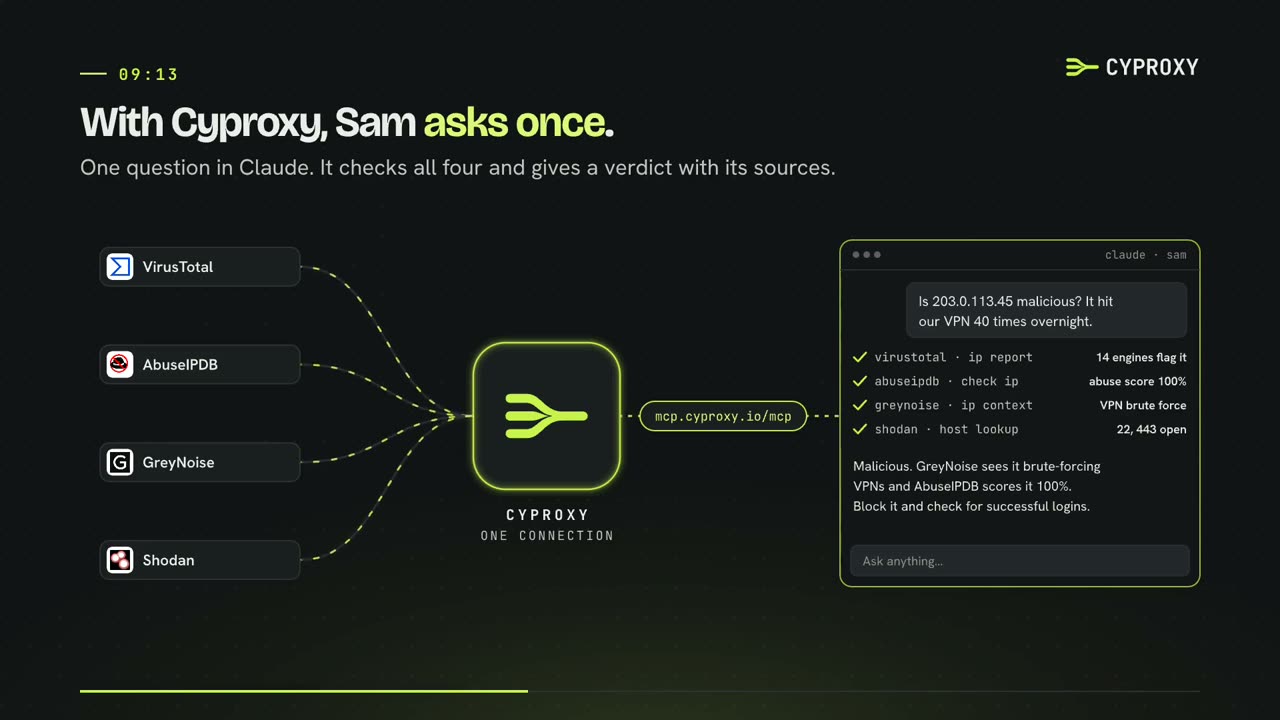 1:1503A morning on the queueOne alert, from the moment it arrives to a write-up a colleague finishes that afternoon on another laptop.
03
About Cyproxy
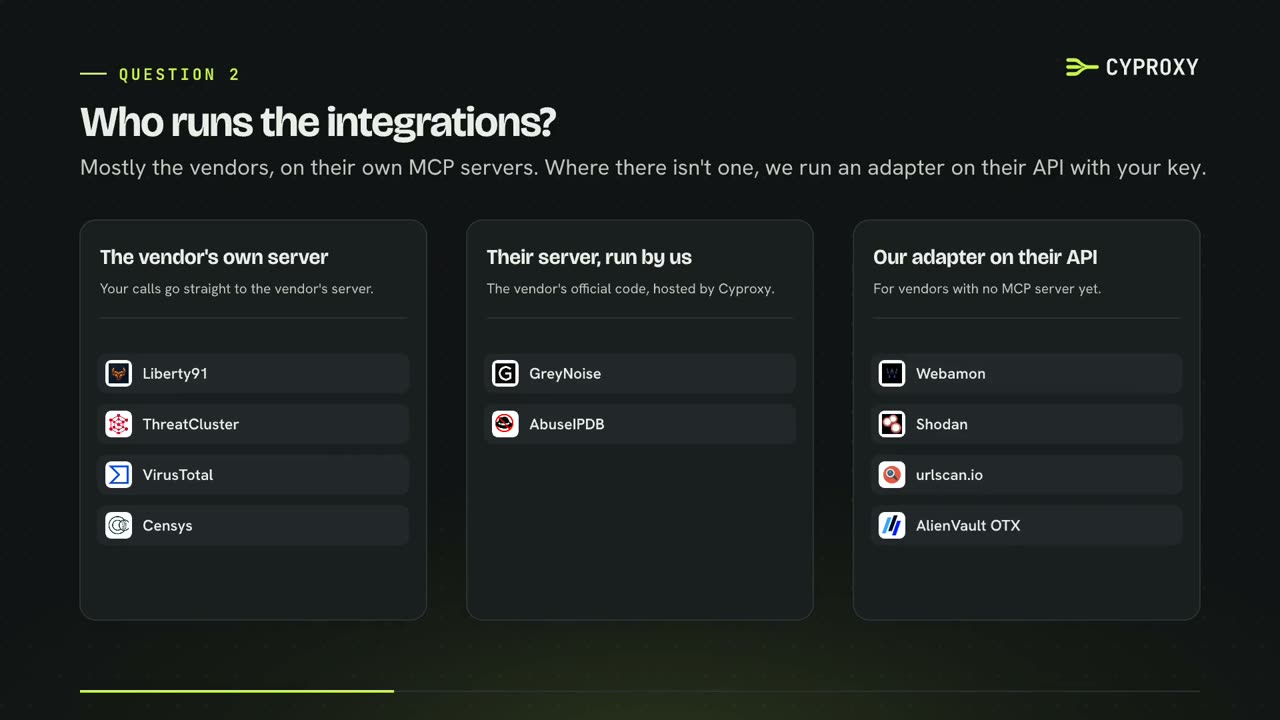
What Cyproxy is, how it fits together, and the questions people ask first. 2 videos · 4 min
Stuck on something?
Tell us what you'd like a video on, or ask us directly.